Abduzeedo - graphic design | design inspiration | tutorials - |

- Daily Inspiration #709
- 2011 Fireworks
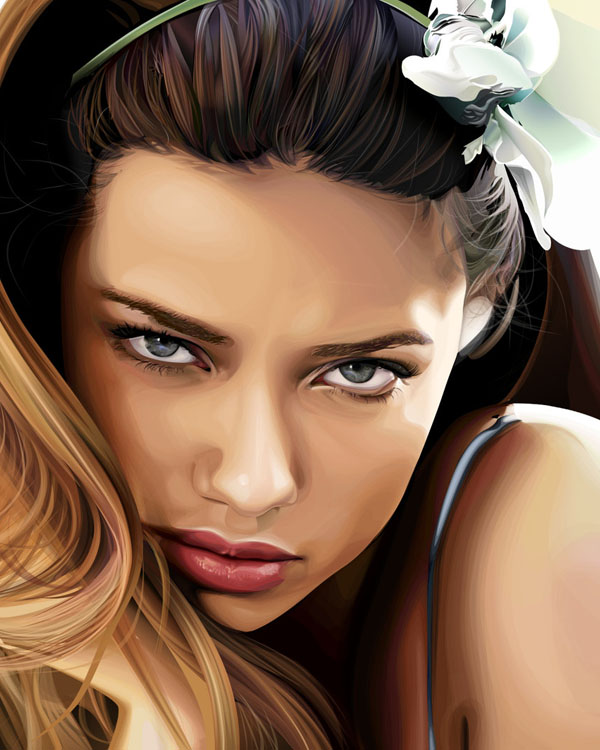
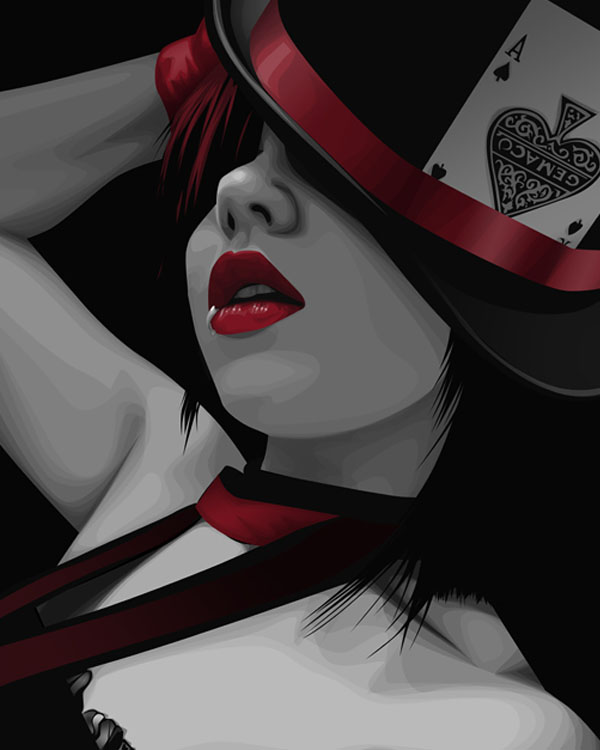
- Paintings and Drawings by Charmaine Olivia
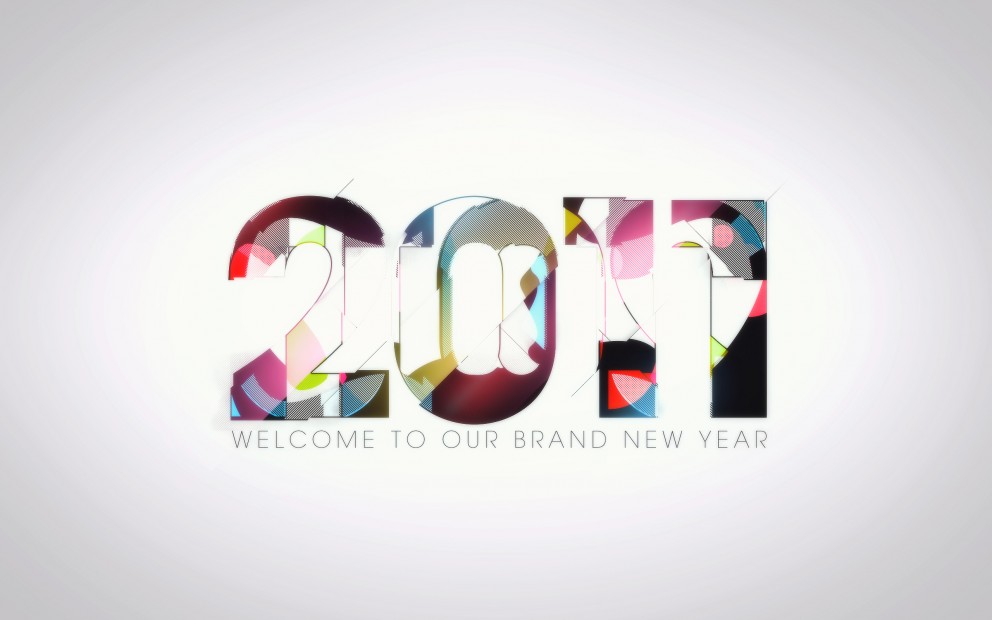
- Abduzeedo 2011 Poster in Illustrator and Photoshop
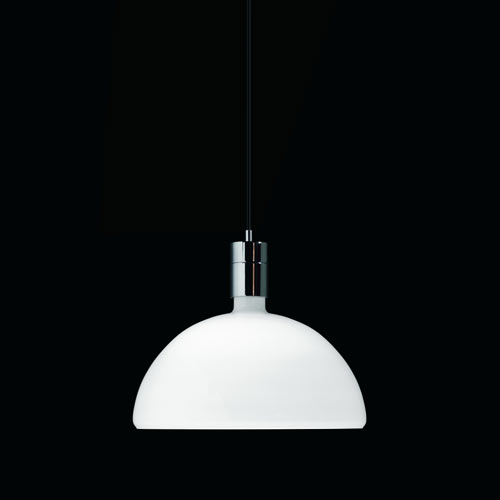
- The Perfect Office #70
| Posted: 03 Jan 2011 01:04 PM PST
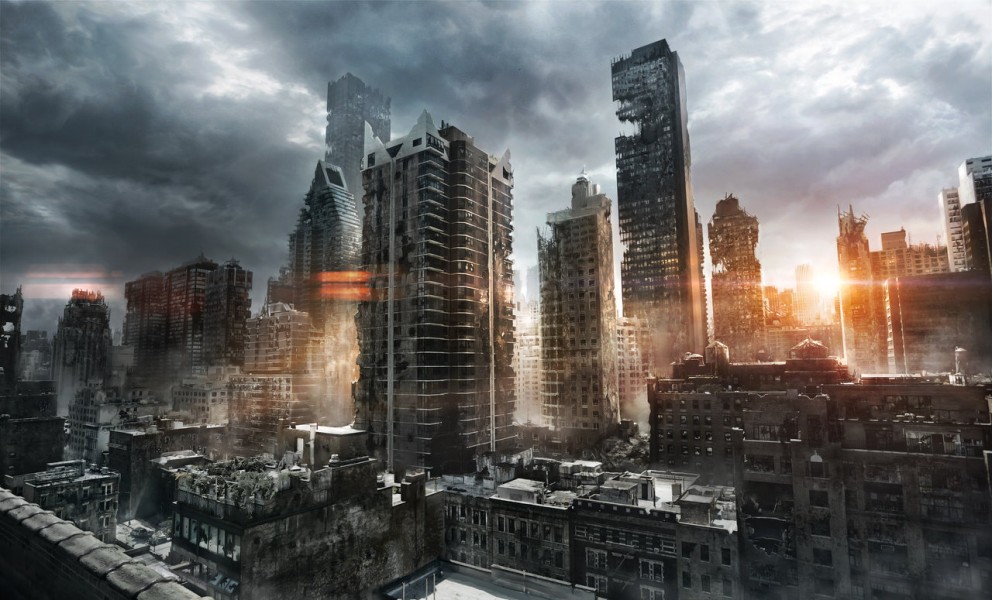
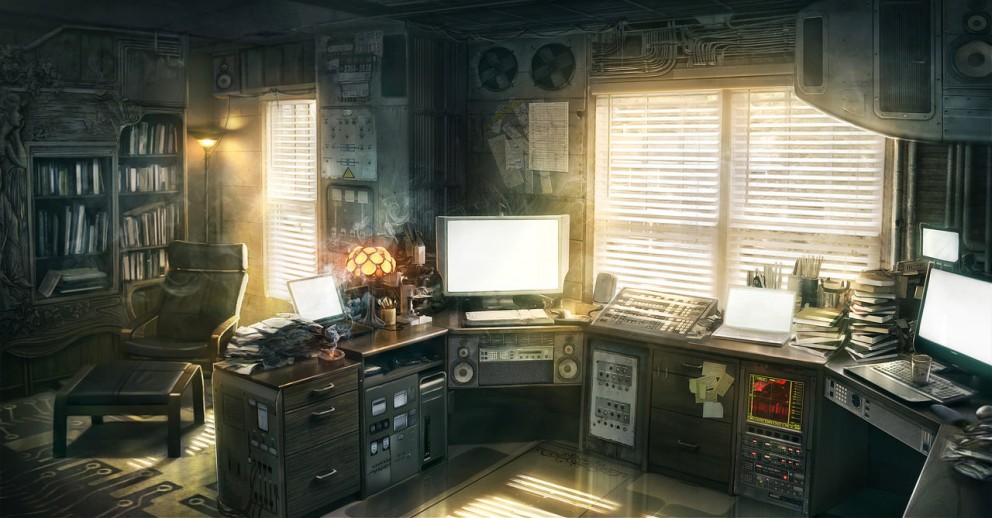
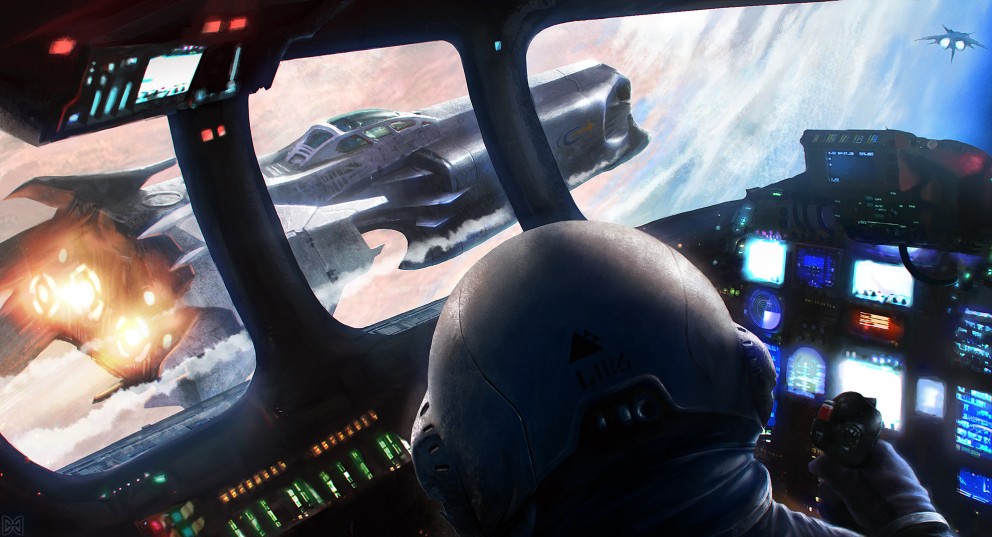
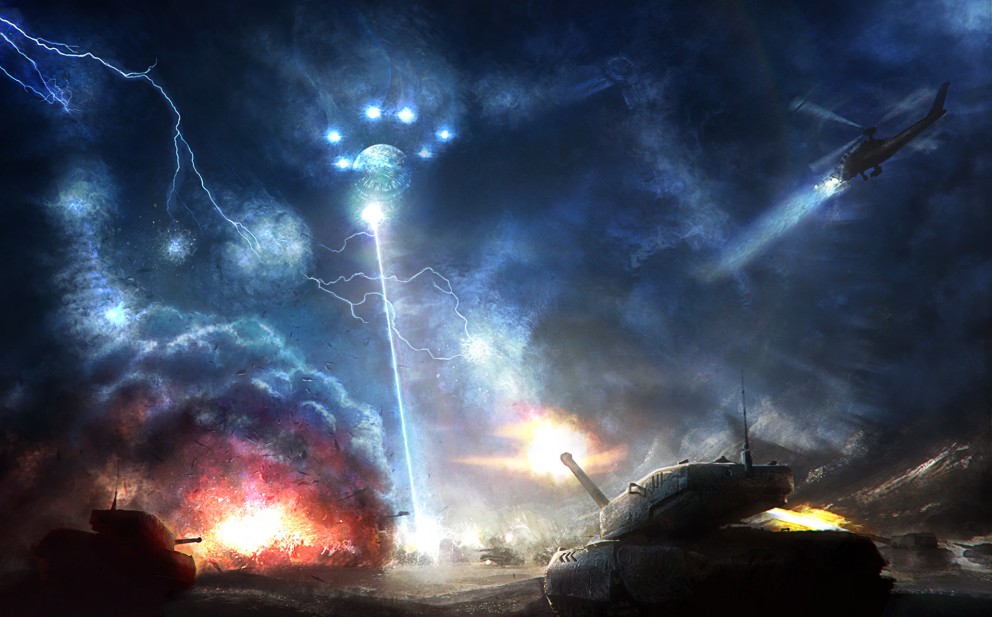
This post is part of our daily series of posts showing the most inspiring images selected by some of the Abduzeedo's writers and users. If you want to participate and share your graphic design inspiration, just send us, via email, the image with the link from where you found it, also use "Daily Inspiration" in the subject, and don't forget to send your Abduzeedo username; or via Twitter sending to http://twitter.com/abduzeedoIf possible use the HTML code: <p class="imgC"><a href="Link to the page you found the image"><img src="Link to the Image" /></a></p> Do you want to see all images from all Daily Inspirations? Check out http://daily.abduzeedo.comAlex de la Fuente
Alexandre Trevisan
Best Bookmarks
Bruno Beneducci
candynice
coolvibeblog
Cosme
Electric Lime Studio
eugene kim
Fabiano
Fabio
fksd
Gisele
HdK
homlok
Maarten Kleyne
nenuno
Newyorkiz
Phil
ricardofx
rodrigboy
Sebastian Arburola
Shelby White
Via TwitterSend your suggestions via Twitter to http://twitter.com/abduzeedo using #abdz in the end of the tweet. @HOLLIE_BENSON
@stiXits
@AlexRolfsen
@alemdasideias
@andreasleonidou
@Marcos333
@solemone
@daniel_nelson
|
| Posted: 03 Jan 2011 07:18 AM PST
Happy New Year to everyone! 2011 is here and to celebrate that I selected some beautiful fireworks photography from the moment that the new year was born. These photos are from all over the globe, enjoy the view and share your photo as well.<!--break--> Click on each photo to find out more about the location and the artist who took the shot. About the authorHi there! I'm Paulo Canabarro, 25 year old web designer from Brazil currently living in Providence RI, USA. I'm truly passionate about design of all kinds. Finding and sharing inspiration has become part of my life. If you have any suggestions or requests just get @ me - pvpcanabarro@gmail.com For some cool stuff make sure to Follow me on twitter! Sponsored Links:
|
| Paintings and Drawings by Charmaine Olivia Posted: 03 Jan 2011 05:38 AM PST
Charmaine Olivia is for me one of the greatest design/art revelations from 2010. A 22 years old girl based at San Francisco, CA, she consider herself as a drawer, painter, tea-drinker and a self-taught artist. Her paintings and drawings show us a very particular fashion and beautiful reality with portraits of tattooed, sexy and interesting girls.
You can know more about Charmaine Olivia and her work by accessing her Website and her Devianart. |
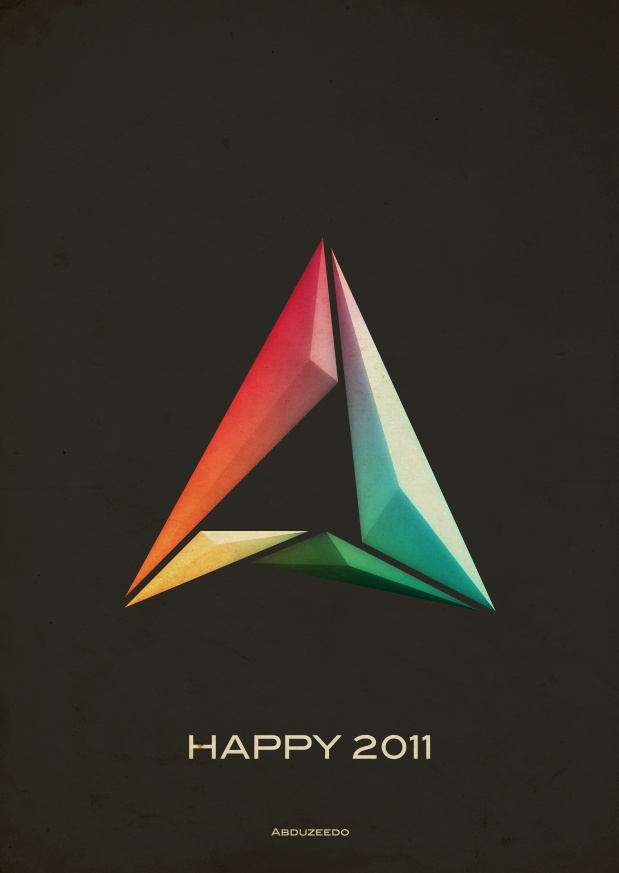
| Abduzeedo 2011 Poster in Illustrator and Photoshop Posted: 02 Jan 2011 08:55 PM PST
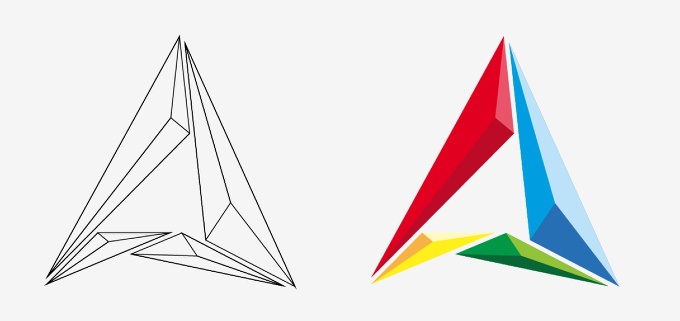
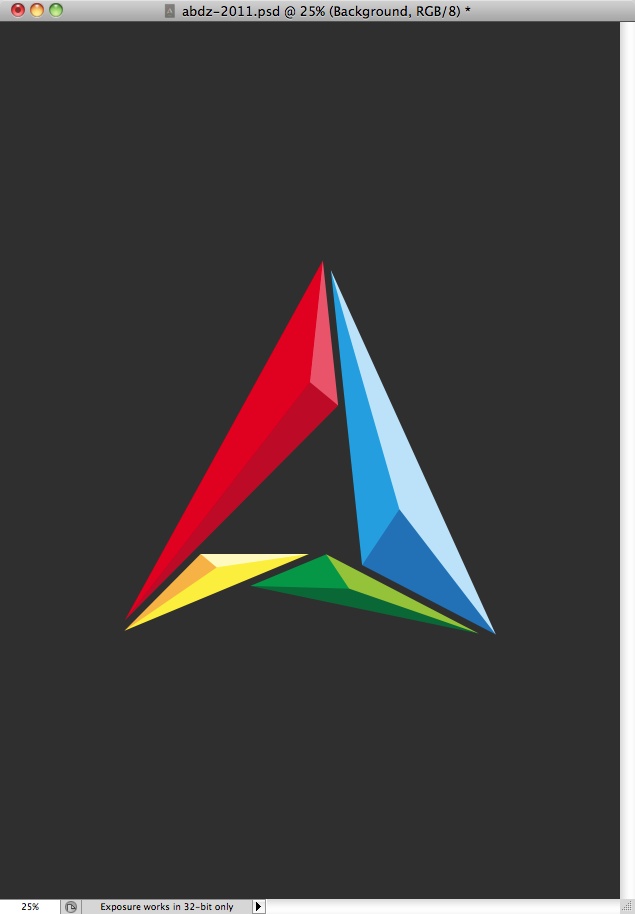
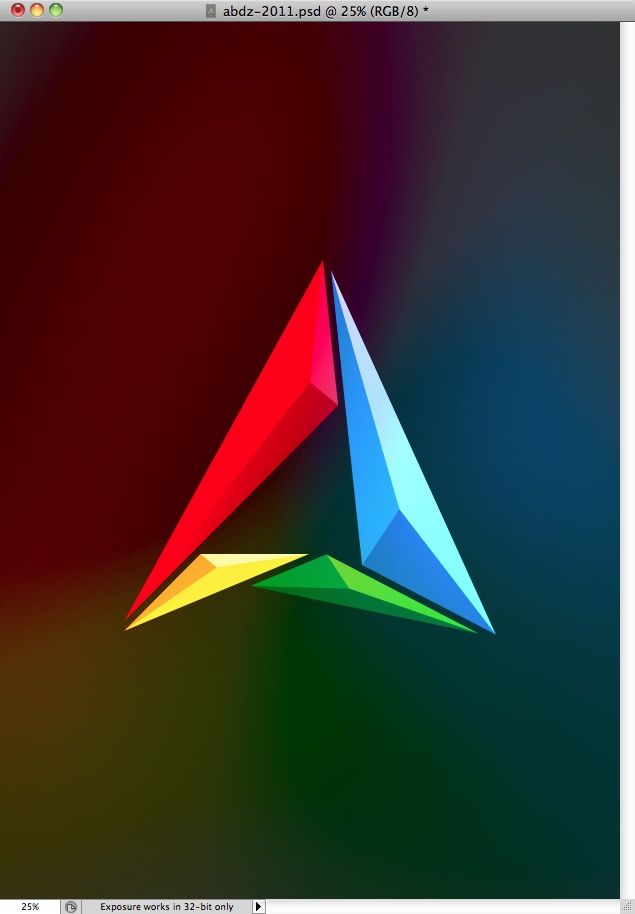
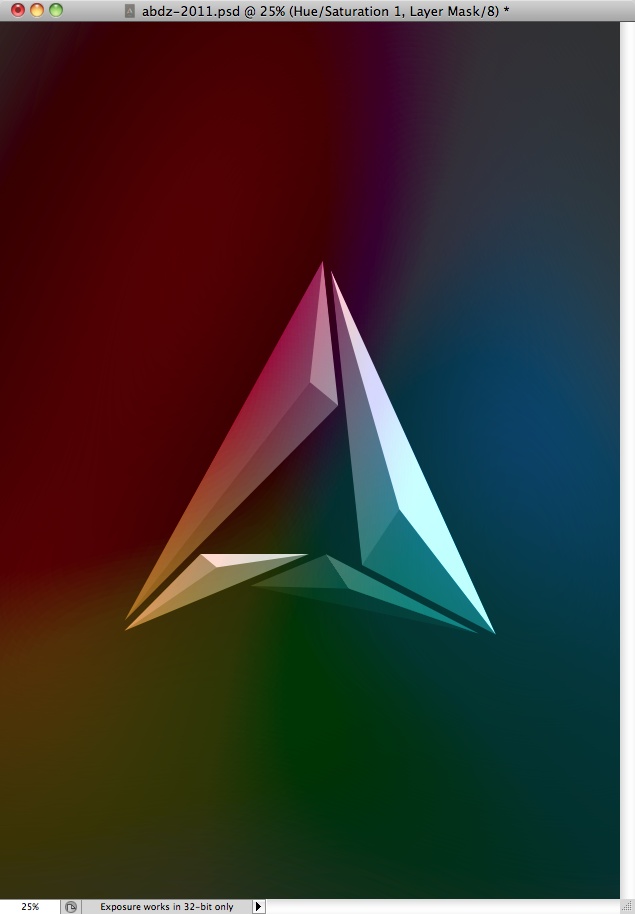
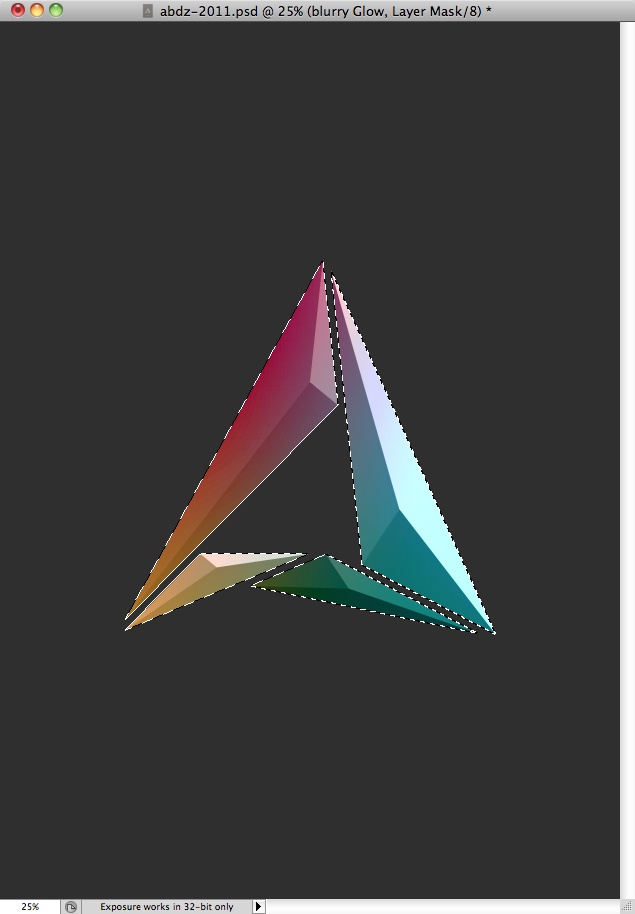
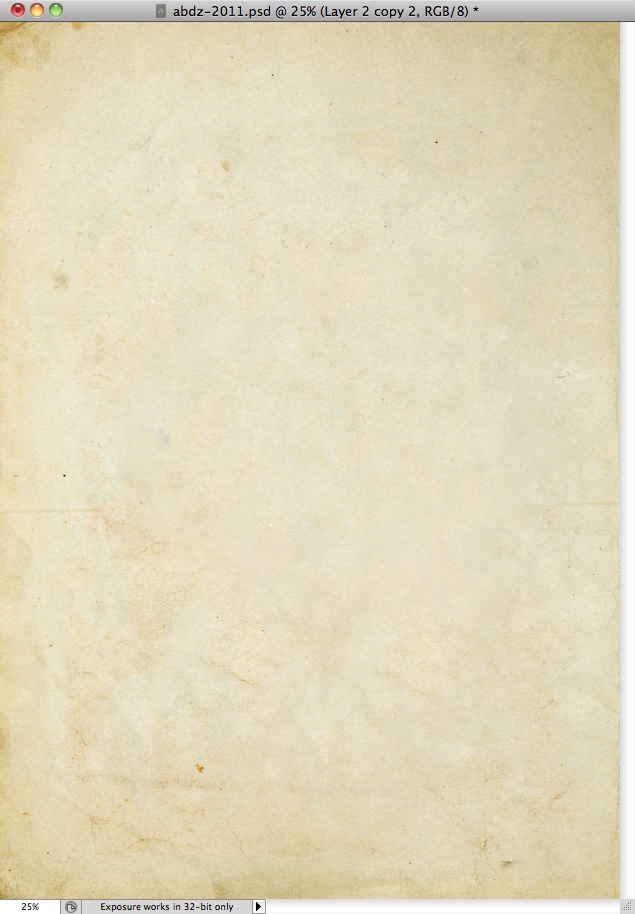
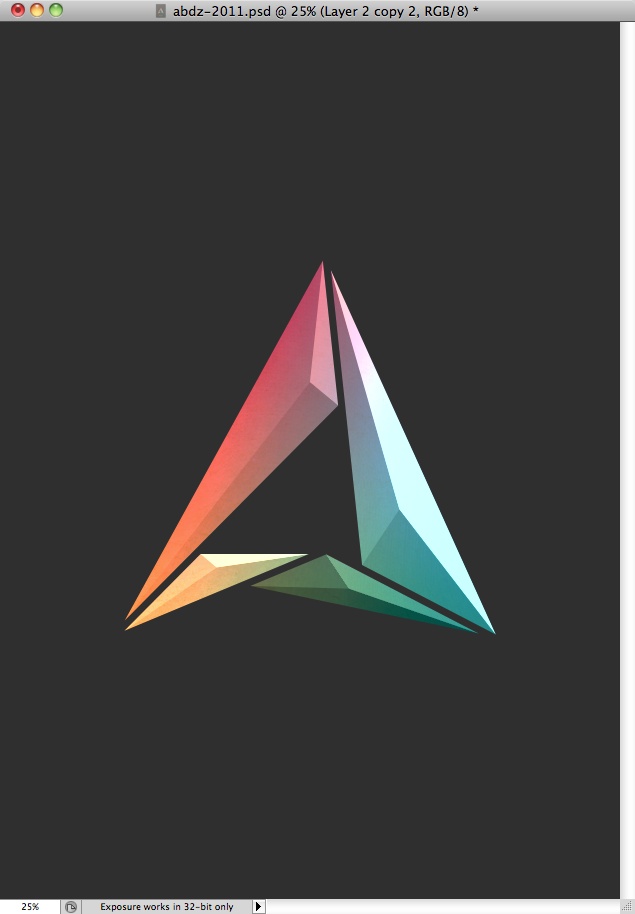
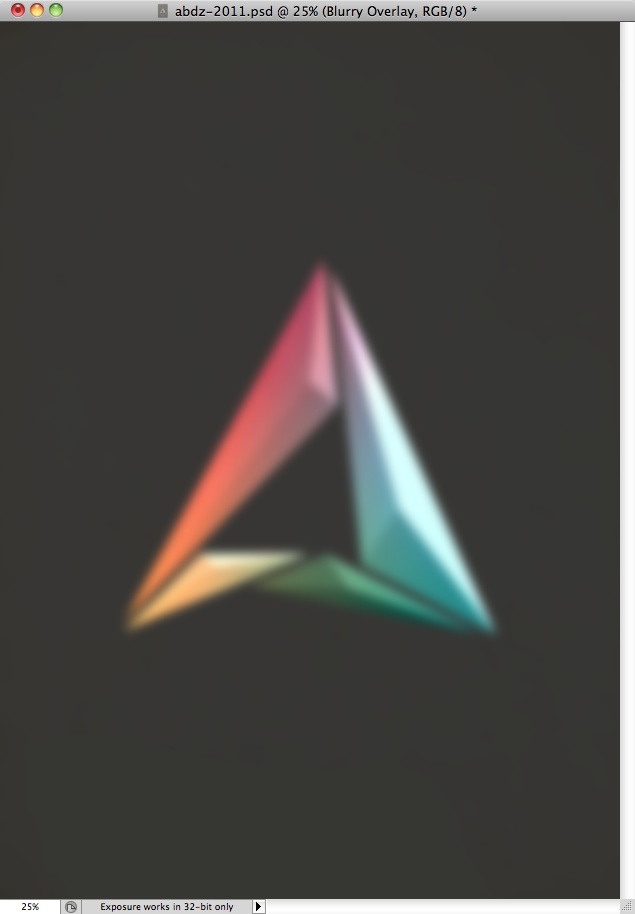
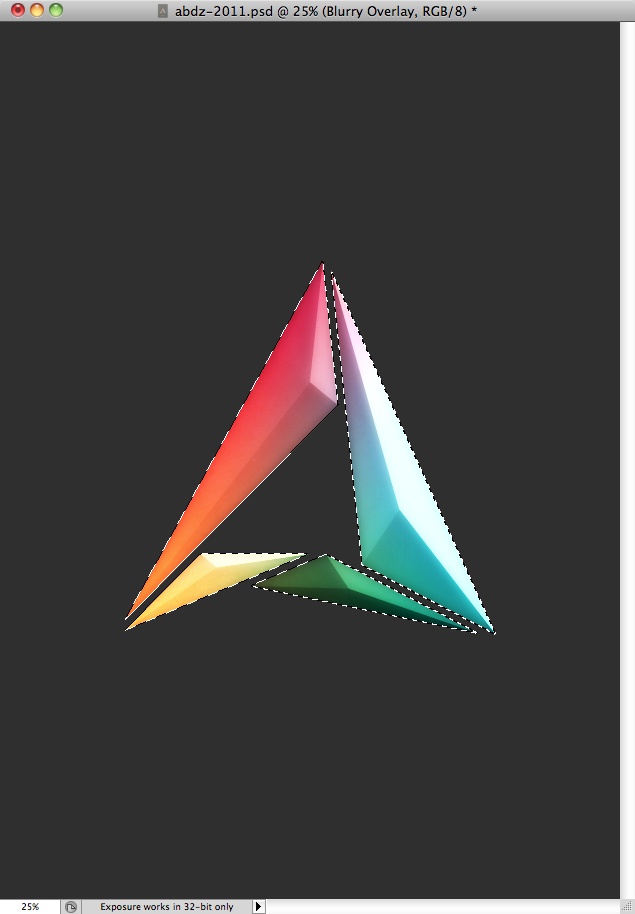
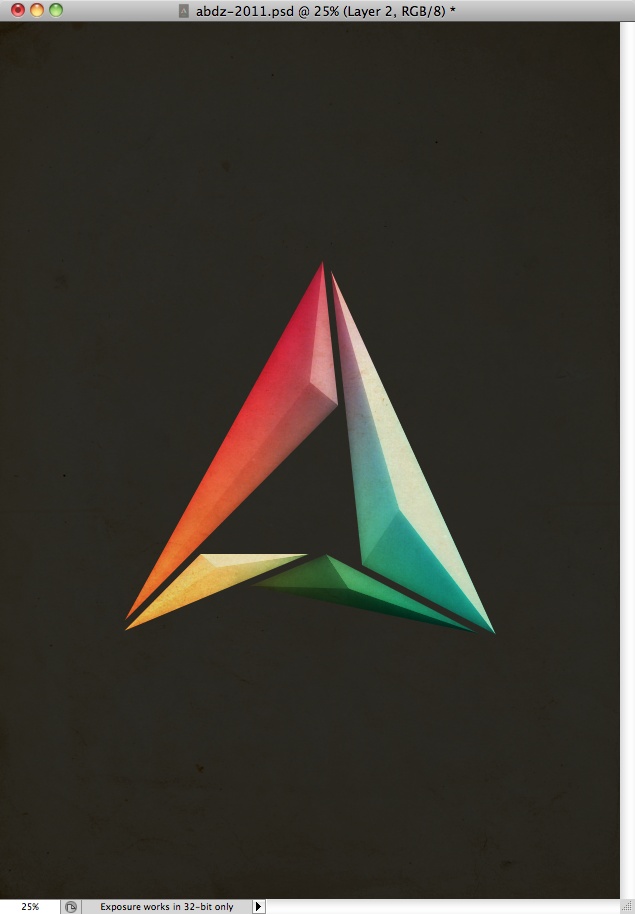
Last week I decided to come up with a new variation of the Abduzeedo symbol, as I have been doing this every year pretty much since the beginning of the blog. So for this year my ideas was to create something more minimalistic with a sort of vintage style. I also wanted to reduce the light effects, make them very subtle.So in this tutorial/case study I will show you how I created the Abduzeedo 2011 symbol. Step 1Using Illustrator I started editing my 2010 black and white symbol. My idea was create a sort of crystal/3D effect for 2011 instead of light effects. I wanted something simple but still with a bit of the colors that we have been using for over 4 years. Step 2To create the crystal effect was pretty simple, I just created 3 copies of each element, in the image below you can see the red one. So once I had the 3 copies over the original I started editing the shape with the Direct Selection Tool (A). The idea of creating the crystal effect is pretty simple, just moved one vertice of one of the triangles and then another one of the other to align them. (1). Another important factor is the colors, I used 3 shades of red in order to create the 3D effect. Also once you define the light source direction you will have to apply to all others. Step 3Here is the crystal in wireframes. Step 4Now it's time to go to Photoshop. I created a A4 document in Photoshop, then for the background color I filled it with #2f2f2f. Step 5Here I copied the symbol in Illustrator and pasted it Photoshop. As you can see I kept the same colors. Step 6Duplicate the symbol and go to Filter>Blur>Gaussian Blur. Use 250 pixels for the radius, then do it again, the idea is create a gradient background with the symbol colors. I also duplicated this layer once in order to make the colors stronger. After that I grouped into a folder and changed the folder's Blend Mode to Vivid Light. Step 7Here I selected the original symbol that was in color and went to Image>Adjustments>Hue and Saturation. Then I reduced the saturation in order to transform it to greyscale. Step 8I didn't want to have a colorful gradient, so I created a marquee selection of the symbol. You can do that by clicking with the right button of the mouse over the thumbnail of the layer and select the option "Select Pixels". After that I selected the folder where I'd put the blurry layers of the previous step and applied a layer mask. (Layer>Layer Mask>Reveal Selection). Step 9Here I started adding some textures. I used one from Shutterstock, you can find it at http://www.shutterstock.com/pic-26104718/stock-photo-old-paper-isolated-... Step 10I moved the texture to the folder of the step 8. it was also beneath the other 2 layers inside that folder. As you can see it got an interesting effect already. Step 11Here I selected all layers and duplicated them, after that I went to Filter>Blur>Guassian Blur. I used 15 pixels for the Radius. Step 12I used Overlay for the Blend Mode of the blurry layer, then once again I masked it in order to make the effect visible only over the symbol area. Step 13So in order to make the background less plain, I used the same paper texture I used before, this time on top of all the other layers. For the Blend Mode I used Multiply. I also duplicated it once and used 10% for the Opacity with the same Blend Mode. ConclusionSo to finish the poster I added the words "Happy 2011" using BlairMdITC TT and then Abduzeedo right below with a smaller font size. As you could see the steps to create the effect were quite simple, however it took some time of trying combinations of blend modes and layer orders until I got the result I want. Once again, it's all about practing and learning. |
| Posted: 02 Jan 2011 06:38 PM PST
We've seen some great gadgets and equipment for designers. So many cool stuff, that we could actually assemble infinite perfect office spaces! Every week we'll assemble a perfect office, and we'd like you to help us. What equipment would the perfect office have?<!--break--> Not only gadgets and equipment, but also furniture, sound system, gaming stuff (for lunch time!). A designer is totally allowed to dream with the perfect office, and that's what we're gonna do here! Also, tell us your suggestions, or even better, you may tell us via twitter (mine and fabio's), using #abdz_ofc so we can check it. Alright? I hope you guys enjoy this brief selection. Cheers! ;) Branch wall hooks Branch is the wall hook from the new Nature series. Branch has five pegs and can be used both individually and in combination, in which case the units form a branch when fitted side by side. A light-hearted, decorative object for any wall. (at Design Milk) iBallz iBallz Originals are a "one size fits all" shock absorbing harness that protects and enhances the appearance of tablet-style computing and "e-reader" devices such as Apple iPad, Amazon Kindle, Sony Reader and others. (at iBallz) Macbook Adam & Eve Humor Decal Sticker The Macbook Adam & Eve Humor Sticker is the original sticker designed by Skinstronic Design to be a quirky, decorative and eco-friendly way. Loved by creatives and easy way to decorate your Macbook. (at Skinstronic) Work Unit An AWESOME custom work unit. This is truly amazing. (at David Tsai) Customized Functional DJ Workstation Hoerboard is designed to make all your turntables and mixers fit perfectly into a great looking workstation. Your own equipment is being placed in the customized high quality hoerboard. All electricity lines are invisibly integrated in the corpus. All connections are placed just above the floor and can be comfortably connected to local audio systems. (at Hoer Board) R2-D2 Headphones These headphones have a foldable hinge for portability, and have a microphone and volume remote in-line with the audio cable so you can use them with your mobile phone as well as your music player or laptop. (at Gearlog) |
















| You are subscribed to email updates from Abduzeedo | Graphic Design Inspiration and Photoshop Tutorials To stop receiving these emails, you may unsubscribe now. | Email delivery powered by Google |
| Google Inc., 20 West Kinzie, Chicago IL USA 60610 | |

Tidak ada komentar:
Posting Komentar